What brand teams should check before launching a campaign video with generative tools
Campaign video checklist for brand teams using generative tools
Generative tools for video creation have opened up new possibilities for brand teams. You can move from a rough concept to a polished social video much faster than with traditional production. But speed does not guarantee consistency. Without a solid checklist, the results can feel disconnected from the brand, miss the campaign concept, or fail to resonate with the audience. This article walks through the key points every brand team should check when using a product video generator or similar generative tool for campaign work.
The goal is to keep creative freedom while staying true to the brand. The checklist below covers the main areas: brand guidelines, visual briefs, creative testing, and the final output. Each point includes a short reason why it matters, so you can adapt it to your own workflow.
Brand guidelines and campaign concept
1. Check that the output matches your brand guidelines
Brand guidelines exist for a reason. They define the visual identity: colors, typography, tone of voice, and overall feel. When you use a generative tool, the default settings may produce something that looks generic or off-brand. Before you generate anything, upload your brand guidelines or create a mood board that the tool can reference. Then check every frame against those rules. A product image that uses the wrong shade of your primary color can weaken brand recognition. A font that looks too playful might not suit a professional campaign concept. Make it a habit to compare the generated video with your brand manual before sending anything to stakeholders.
2. Align the campaign concept with the tool's capabilities
Not every generative tool handles every style equally. Some excel at cinematic shots, others at product close-ups or product image generation. Before you invest time in a full storyboard, test the tool with a few key frames. Does it handle the lighting style you need? Can it generate the same character or product consistently across scenes? If the tool struggles with a particular visual, adjust the campaign concept early. For example, if you need a consistent product image across multiple scenes, choose a tool that supports reference images. This saves you from reworking the video later when the tool cannot deliver what the storyboard demands.

Visual brief and storyboard
3. Build a visual brief that the tool can understand
A visual brief for a generative tool is different from a brief for a human director. Humans can infer intent from vague descriptions. Generative tools need precise language. Write your brief in clear terms: lighting direction, camera angle, color palette, and the main subject. Include reference images where possible. Think of it as a recipe. If the brief says "a happy customer using the product outdoors," the tool might generate a generic sunny day. But if you specify "golden hour, low angle, customer holding the product with both hands, warm tones," the output will be much closer to what you imagined. Test the brief with a few sample prompts before scaling up to the full video.
4. Review the storyboard for narrative flow
Generative tools can create impressive individual scenes, but the storyboard needs a clear narrative flow. Check that each scene logically follows the previous one. Does the product appear at the right moment? Is the pacing consistent? A common mistake is to generate beautiful scenes that do not connect. Use the storyboard to map out the sequence and identify gaps. If a transition feels abrupt, adjust the prompt for that scene to include a bridging element, such as a matching background or a similar camera movement. This step is especially important for social video, where viewers scroll quickly and need a clear hook early.
Creative testing and iteration
5. Run creative testing on a short clip first
Before committing to a full-length campaign video, generate a short test clip. This should cover the most challenging scene: complex motion, multiple characters, or a specific product image. Send this clip to a small group for feedback. Does it feel on-brand? Does the product look realistic? Are there any visual artifacts or inconsistencies? Creative testing at this stage catches problems early, when they are cheap to fix. It also helps you refine the prompts and settings for the rest of the video. Many brand teams skip this step because they are in a hurry, but it often saves time in the long run.
6. Iterate on the prompts based on test results
Generative tools are not set-and-forget. You need to iterate. After the first test, adjust the prompt wording, the reference images, or the parameter settings. For example, if the product image looks too glossy, add a phrase like "matte finish" or "natural lighting." If the character's expression does not match the campaign concept, describe the emotion explicitly. Keep a log of what worked and what did not. Over time, you build a library of effective prompts for your brand. This iteration phase is where the real craft happens. The tool is only as good as the input you give it.
Final output and delivery
7. Check the final video for brand consistency and technical quality
When the video is ready, do a final review. Look for any elements that break brand guidelines: wrong logo placement, off-brand colors, inconsistent typography. Also check technical quality: resolution, aspect ratio, frame rate, and file format. Sometimes generative tools produce output that needs minor cleanup in editing software. Plan for that. If the video includes audio, ensure the music or voiceover matches the brand tone. A single off-key note can distract from the message. Run the video through a checklist of your own brand standards before publishing.
8. Plan for multiple formats and platforms
Campaign videos rarely live in one place. You may need a 16:9 version for YouTube, a 9:16 version for TikTok, and a square version for Instagram. Generative tools can help resize or recrop, but you need to check each version separately. A product image that looks great in landscape might lose detail in portrait. A social video that works on desktop might feel cramped on mobile. Generate each format from the same source and verify the key elements remain visible. This step ensures the campaign concept translates across channels without extra manual work.
Putting the checklist into practice
The real value of a product video generator is not just speed. It is the ability to explore more creative directions within the same budget and timeline. But that freedom comes with responsibility. Without a structure, you risk producing videos that look generic or miss the brand mark. The checklist above gives you a framework: start with brand guidelines and campaign concept, move to a precise visual brief and storyboard, test and iterate, then finalize and deliver for each platform.
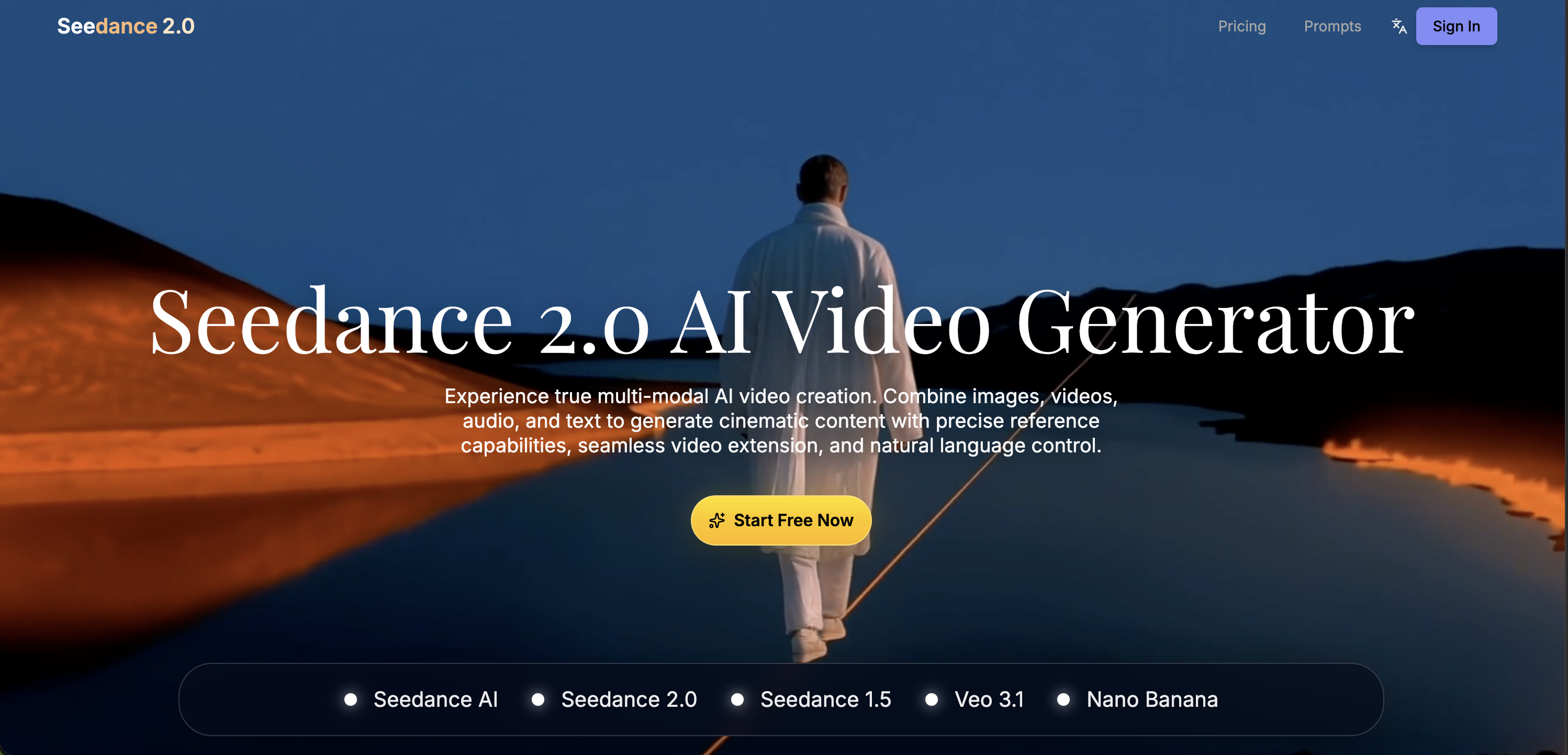
One tool that brand teams are exploring for this workflow is happy wan. It is built for creating cinematic videos from text, images, reference clips, and audio. This multimodal approach helps keep the brand consistent across different inputs. For example, you can upload a product image and a clip of the desired atmosphere, and the tool combines them into a coherent scene. That kind of control is useful when you need to maintain brand integrity while experimenting with generative video.

No tool replaces a human review. Whether you use happy wan or another platform, the final responsibility rests with the brand team. The checklist is your safety net. Run through it every time, from concept to delivery. Your audience will notice the difference, and your campaign will feel more focused and professional.
Generative video is still a young field. The tools improve fast, but the fundamentals of good brand storytelling remain the same. Know your brand, plan your scenes, test your results, and deliver with care. That approach will serve you well, no matter how the technology evolves.